Best SharePoint On-Premises Forms Designers: Features and Solutions Compared (Part 2)
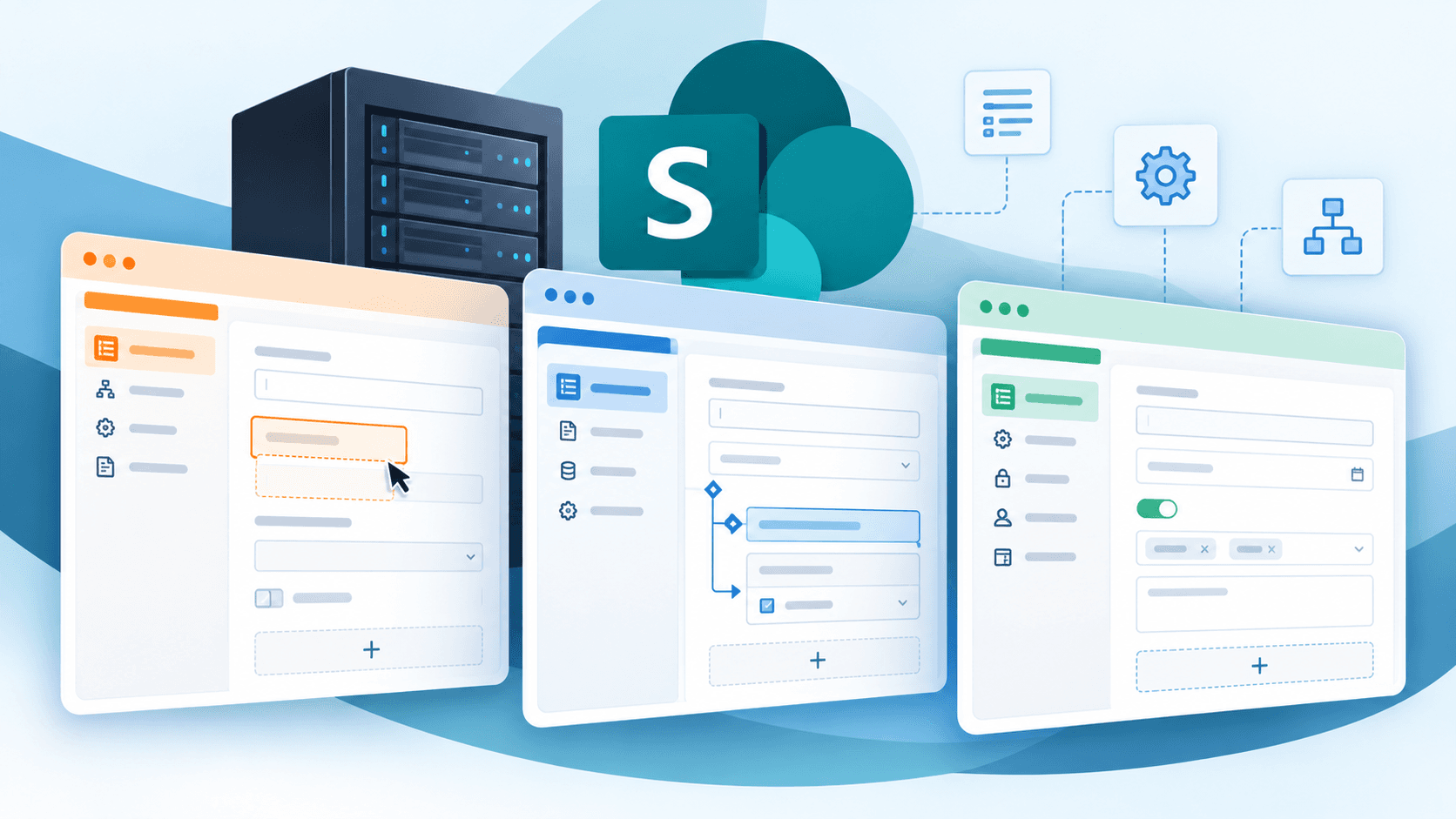
Choosing the right SharePoint On-Premises forms designer can help organizations simplify data collection, customize forms, and support more complex business processes without extensive development.
In Part 1, we explored the key features to look for in a forms designer. Now, let's compare three solutions for SharePoint On-Premises and explore what each offers.
Option 1: Nintex Forms
Nintex Forms provides customizable forms within Nintex's broader workflow and process automation portfolio, including solutions for SharePoint Server Subscription Edition.
What it does well:
- Drag-and-drop form design
- Conditional logic and dynamic fields
- Integration with Nintex workflow automation
What to consider:
Nintex offers several products and deployment options. Organizations should review licensing, implementation requirements, and compatibility with their specific SharePoint environment.
How SnapOn Forms compares:
Forms by SnapOn Software provides no-code customization directly within SharePoint, including conditional fields, permissions, and flexible layouts. It's another option for organizations focused on enhancing existing SharePoint forms and business processes.
Option 2: Infowise Ultimate Forms
Infowise Ultimate Forms provides tools for creating customized SharePoint forms, automating processes, and managing business information.
What it does well:
- Conditional rules and field validation
- Dynamic layouts and repeating sections
- Workflow automation and reporting capabilities
What to consider:
Ultimate Forms combines form design with additional business application capabilities. Organizations should assess which components align with their requirements and review deployment options for their SharePoint environment.
How SnapOn Forms compares:
SnapOn Forms also supports conditional logic, permissions, and advanced lookups. Organizations can evaluate both solutions based on their customization needs, existing workflows, and preferred approach to managing SharePoint forms.
Option 3: Forms by SnapOn Software
Forms by SnapOn Software helps organizations create dynamic, customizable forms within SharePoint without extensive coding.
Key capabilities include:
- Conditional logic and field validation
- Field-level permissions
- Tabs and customizable layouts
- Advanced lookups and repeating sections
- Dynamic field behavior
What to consider:
Forms supports SharePoint 2019 and SharePoint Server Subscription Edition, as well as SharePoint Online. Organizations should confirm compatibility and deployment requirements for their environment.
Where Forms fits:
Forms is designed for organizations looking to extend SharePoint's native form capabilities while maintaining familiar processes and reducing the need for custom development.
Which SharePoint On-Premises Forms Designer Is Right for You?
The right solution depends on your SharePoint version, existing tools, and business requirements.
Nintex Forms offers form design alongside workflow automation. Infowise Ultimate Forms combines form customization with broader SharePoint business application capabilities.
Forms by SnapOn Software provides a focused approach to building dynamic SharePoint forms with conditional logic, permissions, and advanced customization.
For organizations looking to modernize forms within their existing SharePoint On-Premises environment, SnapOn Forms is worth considering.
Simplify SharePoint Forms with SnapOn Software
Looking to create more flexible, user-friendly forms without extensive custom development?
Explore Forms by SnapOn Software or request a demo to see how it can support your SharePoint environment.
About the Author
Peter Baddeley