Choosing the Best Forms Designer for SharePoint On-Premises
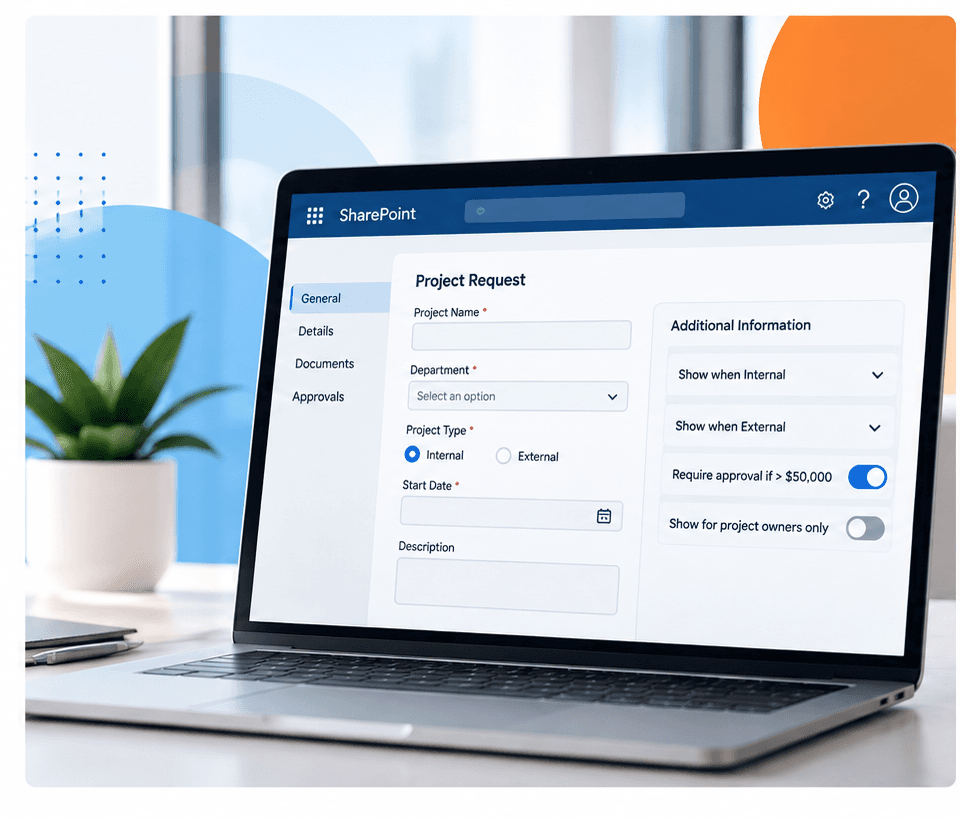
Organizations using SharePoint On-Premises often need more flexibility than standard SharePoint forms provide. As business processes become more complex, teams may need forms that respond to user input, validate information, control what different users can see, and make lengthy forms easier to complete.
A SharePoint On-Premises forms designer can provide these capabilities without requiring organizations to build and maintain every customization through custom development.
What Is a SharePoint On-Premises Forms Designer?
A SharePoint On-Premises forms designer is a tool used to customize the forms people use to create, view, and edit information stored in SharePoint.
While standard SharePoint forms work well for basic data collection, organizations often need more control over how forms look and behave. A forms designer can add capabilities such as conditional fields, validation rules, tabs, permissions, dynamic lookups, and other business logic.
For organizations with legacy processes, these tools can also provide an alternative to older technologies such as InfoPath and SharePoint Designer.
What Should You Look for in a SharePoint On-Premises Forms Designer?
The best forms designer for your organization depends on your SharePoint environment and the processes you need to support. Compatibility should be one of the first considerations, particularly for organizations running SharePoint 2016, SharePoint 2019, or SharePoint Subscription Edition.
Key capabilities to consider include:
- No-code customization: Create and modify forms without extensive custom development.
- Conditional logic: Show or hide fields and sections based on user input or business rules.
- Field validation: Establish rules that help users submit complete and accurate information.
- Permissions: Control which fields and functionality different users can access.
- Flexible layouts: Organize complex forms into logical sections or tabs.
- Advanced lookups: Connect forms with information stored elsewhere in SharePoint.
- Maintainability: Allow administrators to update forms as business requirements change.
The goal is not simply to improve how a form looks. A good forms designer should make forms easier for users to complete while making them easier for administrators to manage.
When Do You Need a Third-Party SharePoint Forms Designer?
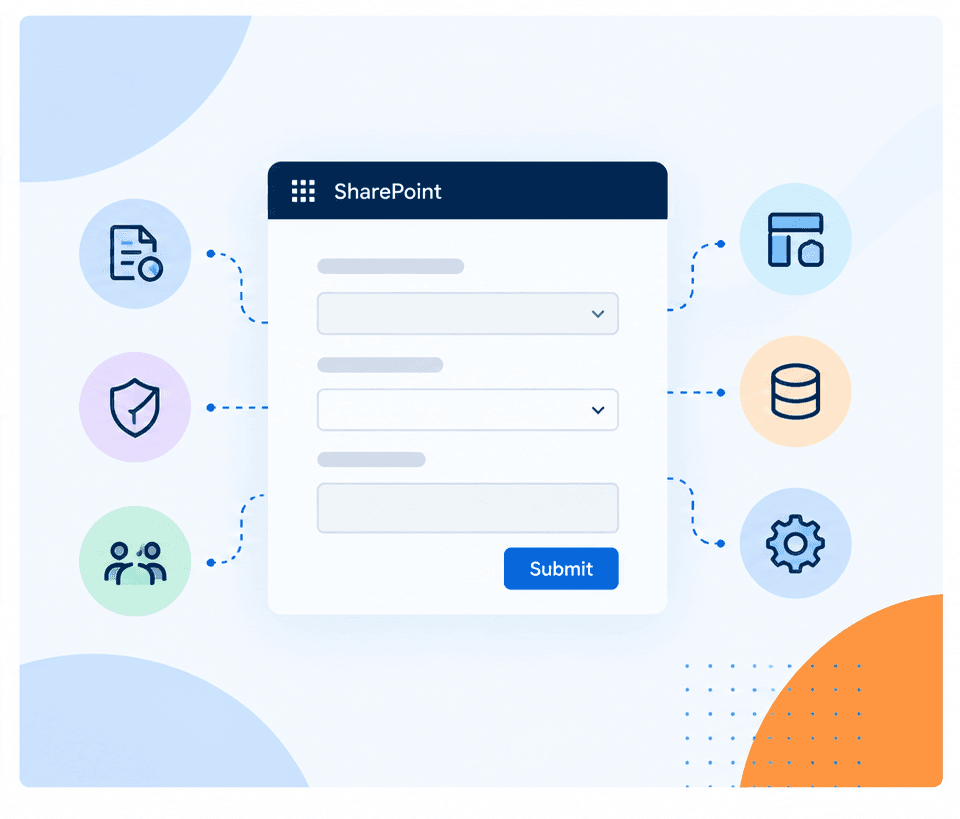
Native SharePoint functionality may be enough for simple lists and straightforward data entry. A dedicated forms designer becomes more useful when processes require conditional questions, different experiences based on user roles, advanced validation, dynamic SharePoint data, or more complex layouts.
These tools can also help organizations modernize processes that currently rely on InfoPath, SharePoint Designer, or custom development.
Best Practices for SharePoint On-Premises Form Design
Start by understanding the process behind the form. Identify who completes it, what information they need to provide, who uses that information afterward, and what should happen after submission.
Keep forms simple by grouping related information into sections or tabs. Use conditional logic to display fields only when relevant, and validation to catch missing or incorrect information before submission.
Long-term maintenance is equally important. Using supported no-code functionality where possible can make forms easier to update as business requirements and SharePoint environments change.
Forms by SnapOn Software
Forms by SnapOn Software helps organizations build dynamic SharePoint forms without extensive coding. It provides capabilities including conditional logic, field validation, dynamic field behavior, tabs, permissions, and advanced lookups.
Organizations can use Forms to create more intuitive form experiences, improve the quality of information being collected, and support more complex business requirements within SharePoint.
For teams looking to modernize their SharePoint On-Premises forms or reduce reliance on legacy customization approaches, Forms provides a flexible way to extend the standard SharePoint experience.
Looking to simplify and enhance your SharePoint On-Premises forms? Learn more about Forms by SnapOn Software →
About the Author
Peter Baddeley