Alternatives to InfoPath for Form Creation
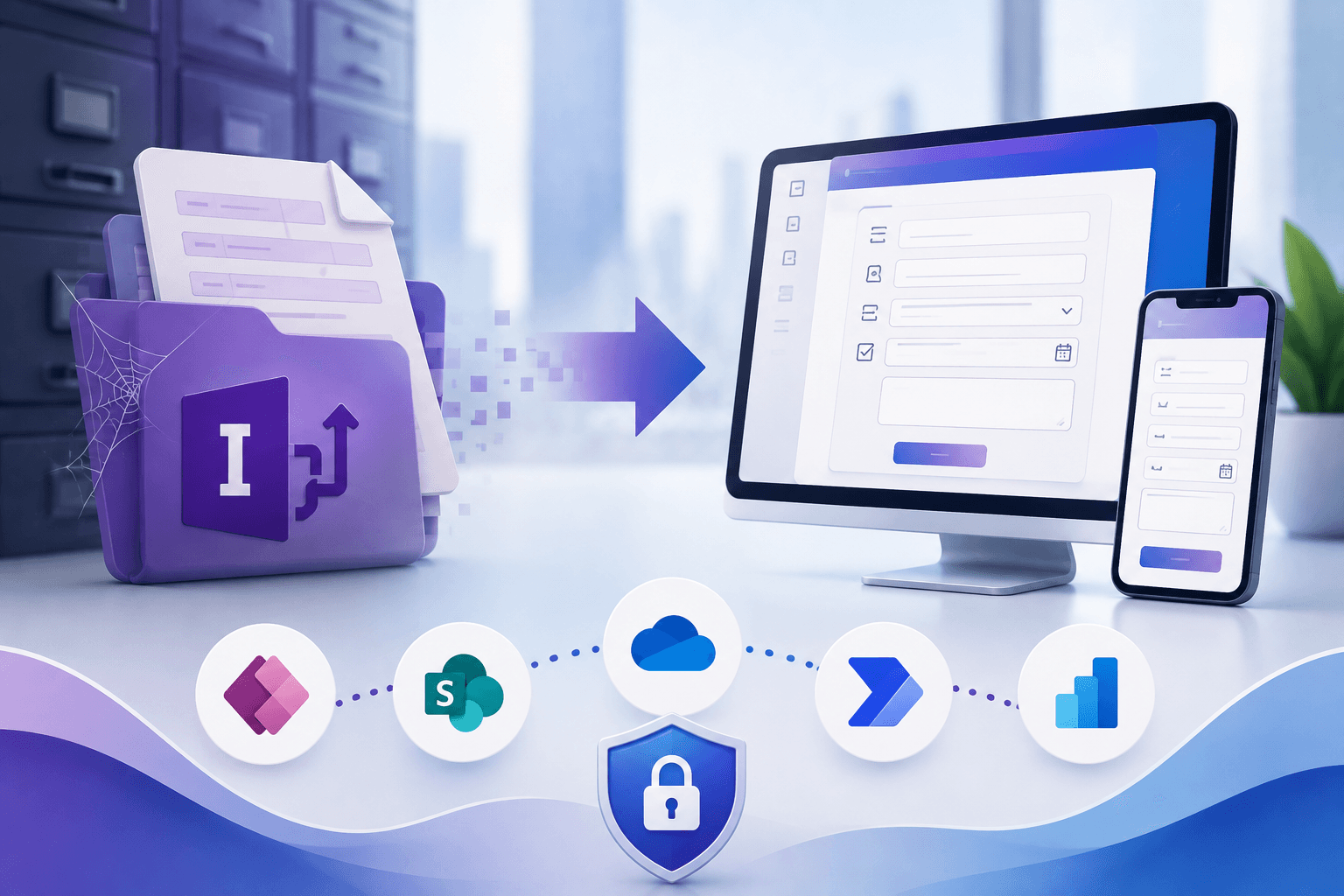
For over a decade, Microsoft InfoPath was the cornerstone of enterprise form creation, allowing organizations of all sizes to collect, manage, and route data efficiently. However, as business needs have evolved rapidly, so has technology. Microsoft has officially, finally, deprecated InfoPath, pushing organizations worldwide to seek a reliable InfoPath Forms replacement. Continuing to rely on this outdated software exposes your business to severe security risks, compliance failures, and an increasingly frustrating user experience.
Finding the right InfoPath Forms replacement is a critical IT priority that demands immediate attention. But navigating the vast sea of modern alternatives can be a daunting task. What is replacing InfoPath Forms, and how can you seamlessly transition your legacy systems without disrupting daily operations? This comprehensive guide will explore the top alternatives, compare capabilities, and outline best practices for migrating your essential data.
The Urgency of Modernizing SharePoint Legacy Forms
Before exploring the available alternatives, it is crucial to understand what happens when InfoPath support ends entirely in 2026. After this hard deadline, Microsoft will no longer provide security updates, bug fixes, or technical assistance. Consequently, any lingering legacy forms will become massive liabilities, vulnerable to cyber threats and incompatible with modern browser updates.
Organizations must proactively replace InfoPath Forms to maintain long-term operational continuity. Finding a robust replacement for InfoPath Forms will not only keep your data secure but will also empower your workforce by providing mobile-friendly responsive form alternatives that cater to today's fast-paced, hybrid work environments.
Top Contenders to Replace an InfoPath Form
While Microsoft offers its own native tools, the broader software market provides several cloud-native workflow integration solutions designed specifically for automating business processes without InfoPath.
1. Microsoft Power Apps
Power Apps is the Microsoft proposed upgrade path. However, it is not a native migration path. Power Apps excels at deeply integrated Microsoft 365 processes, allowing developers to build both canvas apps (where you design the interface pixel by pixel) and model-driven apps (which are generated from your underlying data models). However, Power Apps is primarily a developer tool, and some simple features in InfoPath are not easy to replicate.
2. Nintex
Nintex has historically being selected by organizations that prioritize a drag-and-drop, highly visual interface. Nintex excels in handling complex document routing, automated document generation, and seamless cross-platform integrations. However, as the platform increasingly moves away from its core SharePoint offering, organizations must think carefully before investing in it.
3. SnapOn Software Solutions
For organizations that require specialized tools, enhanced flexibility, and dedicated support during their extensive transition, exploring customized solutions is highly recommended. For instance, the robust data management and digital form capabilities offered at SnapOn Software provide a streamlined approach to building scalable business applications. Leveraging Forms from SnapOn Software’s offerings, you can ensure that your InfoPath forms replacement strategy is remarkably smooth, secure, and precisely tailored to meet your unique industry requirements and compliance standards.
Step by Step Guide to Form Modernization
Transitioning away from entrenched legacy software requires significantly more than just purchasing a new tool; it requires a meticulously structured strategy. Here is a practical step by step guide to form modernization.
1. Inventory and Audit Your Current Forms Begin by actively locating every active InfoPath form in your current environment. Catalog their primary purpose, the specific departments that rely on them, and the backend data sources they connect to.
2. Assessing Form Complexity for Migration Categorize your form inventory into simple, medium, and highly complex tiers. Assessing form complexity for migration helps project managers allocate development resources efficiently. Simple forms might successfully migrate to Microsoft Forms, while complex forms will undoubtedly require Power Apps or third-party enterprise tools.
3. Converting InfoPath Data to Modern Lists Legacy forms often store crucial data in cumbersome XML file formats. A critical, non-negotiable step in your InfoPath Forms replacement project involves converting InfoPath data to modern lists or utilizing Microsoft Dataverse. Modern SharePoint lists offer drastically faster performance, superior security protocols, and seamless integration with modern automation platforms.
4. How to Migrate InfoPath to Power Apps If you select Microsoft's flagship tool, learning exactly how to migrate InfoPath to Power Apps is essential. You will need to manually rebuild the graphical user interface as a Canvas App, recreate the backend routing logic utilizing Power Automate flows, and meticulously reconnect your newly created modern lists. Start with a targeted pilot program. Migrate one or two medium-complexity forms first to adequately train your development team and uncover any hidden technical challenges before launching a full-scale migration.
5. Testing and User Training Before rolling out the final product, rigorously test the new system across multiple browsers and network conditions. Comprehensive user training is equally critical. Improving user experience with digital forms is just as much about providing proper educational resources as it is about modernizing the software itself. Ensure your staff feels comfortable with the new interface to encourage rapid adoption.
SnapOn Software Migration Services
Migrating away from InfoPath doesn’t have to be an entirely internal effort. SnapOn Software has a dedicated migration team that can support organizations throughout the transition from legacy InfoPath forms to our modern form solution.
Our migration services can help organizations assess their existing forms, determine migration requirements, rebuild and modernize forms and workflows, migrate data, and support testing and deployment. This helps reduce the burden on internal IT teams while providing a structured path from legacy forms to a secure, scalable modern environment.
Whether you need support migrating a select group of business-critical forms or a larger InfoPath environment, our team can work alongside your organization to help make the transition as seamless as possible.
Best Practices for a Smooth Transition
Ensure you are consistently delivering mobile-friendly responsive form alternatives that display correctly on smartphones, tablets, and desktop monitors alike. To guarantee a successful rollout of your newly selected replacement for InfoPath Forms, always keep these core best practices in mind:
- Focus on Process Optimization: Do not simply copy your outdated forms one-to-one. Use this vital InfoPath Form replacement opportunity to rethink and streamline the underlying business processes. Actively remove redundant managerial approval steps and eliminate unnecessary data entry fields.
- Leverage Low-Code Platforms Safely: While low-code application development platforms generously empower citizen developers to build functional apps, IT departments must establish strict governance guardrails. Clearly define who is authorized to create forms and how external data sharing is managed.
- Prioritize the User Interface (UI): InfoPath was notoriously for its clunky, rigid interfaces. Any new solution should seek to improve user experience with digital forms by utilizing clean, modern design principles. Group related entry fields logically, utilize clear typography, and implement conditional visibility.
Conclusion
InfoPath is no longer supported by Microsoft, which represents a clear risk for many organizations. By proactively modernizing SharePoint legacy forms today, you can successfully eliminate accumulating technical debt, drastically enhance overall data security, and visibly improve daily employee productivity.
A successful migration requires you to carefully map out your data structures and run pilot tests. Take the necessary time to properly evaluate your internal resources and decide whether building in-house with Microsoft tools or partnering with specialized external vendors yields the highest return on investment. SnapOn Software can help you with that journey, which our modern form solution and specialist migration services.
About the Author
Peter Baddeley