Regaining Control: How to Secure and Optimize Your Out-of-Control M365 Tenant

Cutting Through the Clutter: Using the Inactive Workspace Report to Reduce Risk and Cost
Is your Microsoft 365 tenant spiraling out of control? You're not alone. As organizations grow, M365 environments often become cluttered with orphaned workspaces, inactive Teams, and storage bloat—creating security risks, compliance gaps, and unnecessary costs. This blog series explores how Audit's new reporting capabilities help you identify and remediate these issues.
Your organization has 500 Teams workspaces. How many are actually being used? Inactive workspaces aren't just clutter—they're security risks and cost centers."
Key Points:
- The Problem: Inactive workspaces accumulate over time, containing outdated data, consuming storage, and expanding your attack surface
- The Risk: Sensitive data in forgotten workspaces, unnecessary licensing costs, compliance violations
- The Solution: Audit's Inactive Workspace Reports (tenant-wide or by owner) identify:
- Workspaces with no activity for X days (customizable threshold)
- Access counts and user visit metrics
- Last modified dates
- Workspace owners for accountability
- The Action: Archive or delete inactive workspaces, reclaim storage, reduce security exposure
- The Benefit: Lower costs, improved security posture, simplified compliance audits
Advanced Feature Highlight: New filtering capabilities let you target specific domains or workspace naming patterns for surgical cleanup operations.
Every organization experiences workspace sprawl. Teams are created for projects that end, SharePoint sites are provisioned for initiatives that get cancelled, and Microsoft 365 Groups multiply as employees experiment with collaboration tools. The result is a tenant filled with inactive workspaces that no one visits, no one updates, and critically, no one thinks about from a security perspective. These forgotten workspaces often contain sensitive information from when they were actively used. Research consistently shows that forgotten or shadow IT resources are among the most common entry points for data breaches, precisely because they fall outside normal security monitoring and access review processes.
The financial impact of inactive workspaces extends beyond security risk. Every inactive Team or SharePoint site consumes storage that you're paying for, whether through Microsoft 365 licensing costs or additional storage subscriptions. The challenge is that Microsoft's native admin center provides limited visibility into workspace activity, requiring you to check usage metrics site by site or build custom reporting solutions.
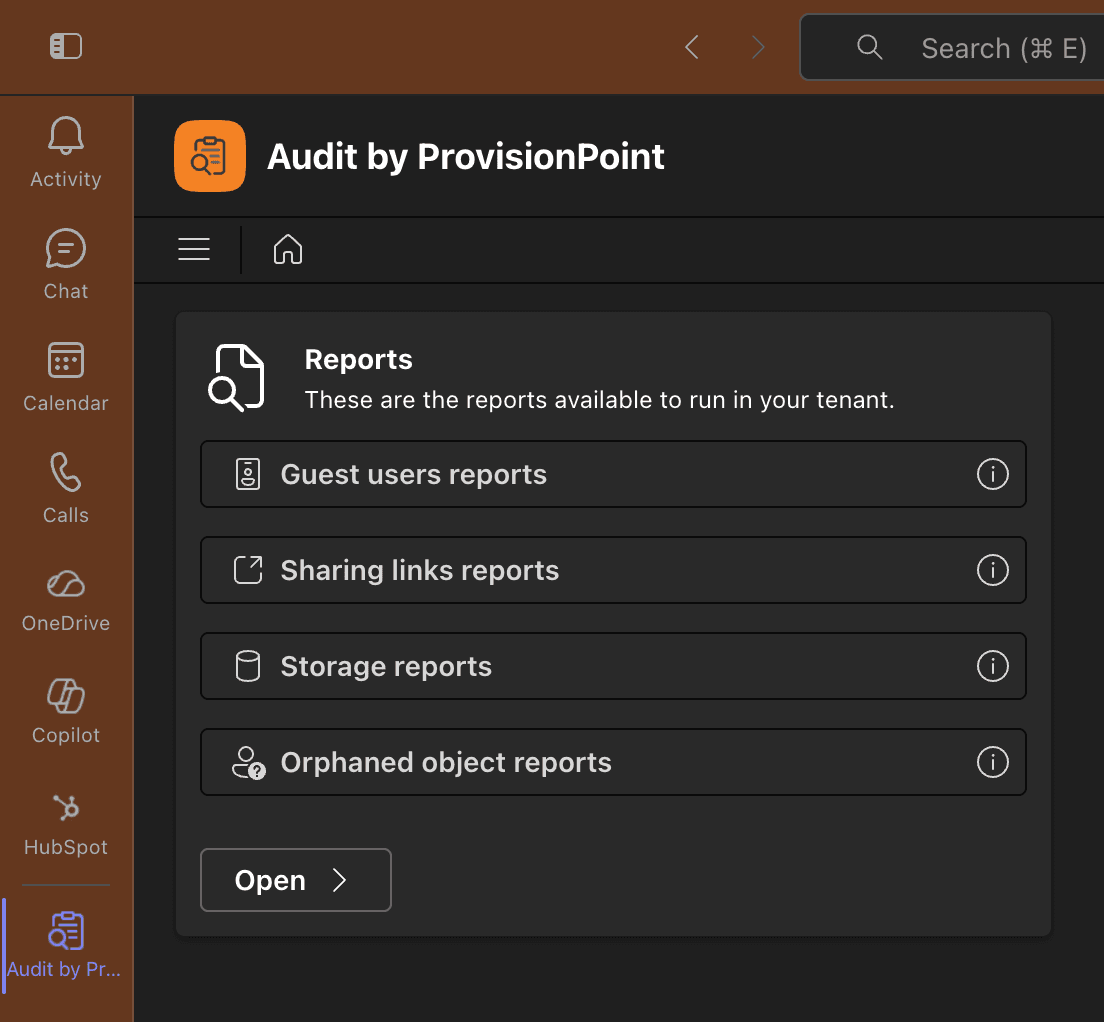
Audit from SnapOn Software introduces two new reports in the Usage Reports section that solve this problem comprehensively. These are the Tenant-Wide Inactive Workspaces Report and the Inactive Workspaces by Owner Report. When you run either report, you specify the number of days since last user activity or modification, allowing you to define what "inactive" means for your organization. The report can run across your entire tenant or filter down to specific owners, and it provides essential information including workspace name, type, owners, access count, user visits, and last modified date. This data is presented in a format that makes it immediately actionable, whether you're looking to archive workspaces that haven't been used in 180 days or identify owners who consistently create and abandon Teams.
What sets these reports apart is the new filtering capability that allows you to target specific domains or workspace naming patterns. If you've gone through a merger and need to identify inactive workspaces from the acquired company's domain, or if you want to find all inactive workspaces that follow a specific project naming convention. The alternative is continuing to pay for and secure hundreds of workspaces that provide zero business value, while hoping that forgotten sensitive data doesn't become your next security incident.
About the Author
Peter Baddeley
Director, Sales and Client Solution