Regaining Control: How to Secure and Optimize Your Out-of-Control M365 Tenant
.png&w=3840&q=75)
Is your Microsoft 365 tenant spiraling out of control? You're not alone. As organizations grow, M365 environments often become cluttered with orphaned workspaces, inactive Teams, and storage bloat—creating security risks, compliance gaps, and unnecessary costs. This blog series explores how Audit's new reporting capabilities help you identify and remediate these issues
Your users' OneDrive accounts are a black box. Who's approaching their storage limit? Who's hoarding files that should be in Teams? The OneDrive Storage Report brings transparency.
OneDrive represents a unique governance challenge for IT leaders because it sits at the intersection of personal productivity and corporate data management. Unlike Teams or SharePoint sites that have clear business purposes and defined owners, OneDrive accounts are personal to each user, making it difficult to enforce governance policies or even gain visibility into how storage is being consumed. Users often don't understand that their OneDrive storage counts against organizational quotas and costs, leading to behaviors like storing personal files, keeping multiple copies of large files, or using OneDrive as a long-term archive rather than active storage.
The governance implications of poor OneDrive visibility extend beyond storage costs. When users store sensitive business data in their personal OneDrive instead of in Teams or SharePoint sites, that data falls outside your normal governance controls, backup policies, and access reviews. During employee departures, IT teams often discover that critical project files or customer data were stored exclusively in a user's OneDrive, creating data loss risks and compliance gaps.
Audit from SnapOn Software introduces the new OneDrive Storage Reports to address this challenge. The report allows you to select a specific user's OneDrive and generate a report showing total size, percentage of site usage, percentage of storage quota consumed, file count, and the date the library was last modified. This information allows you to identify users who are approaching their quota limits before they experience service interruptions, users who have large amounts of storage but haven't accessed their OneDrive recently, and users whose file counts or storage patterns suggest they may need training on proper file management.
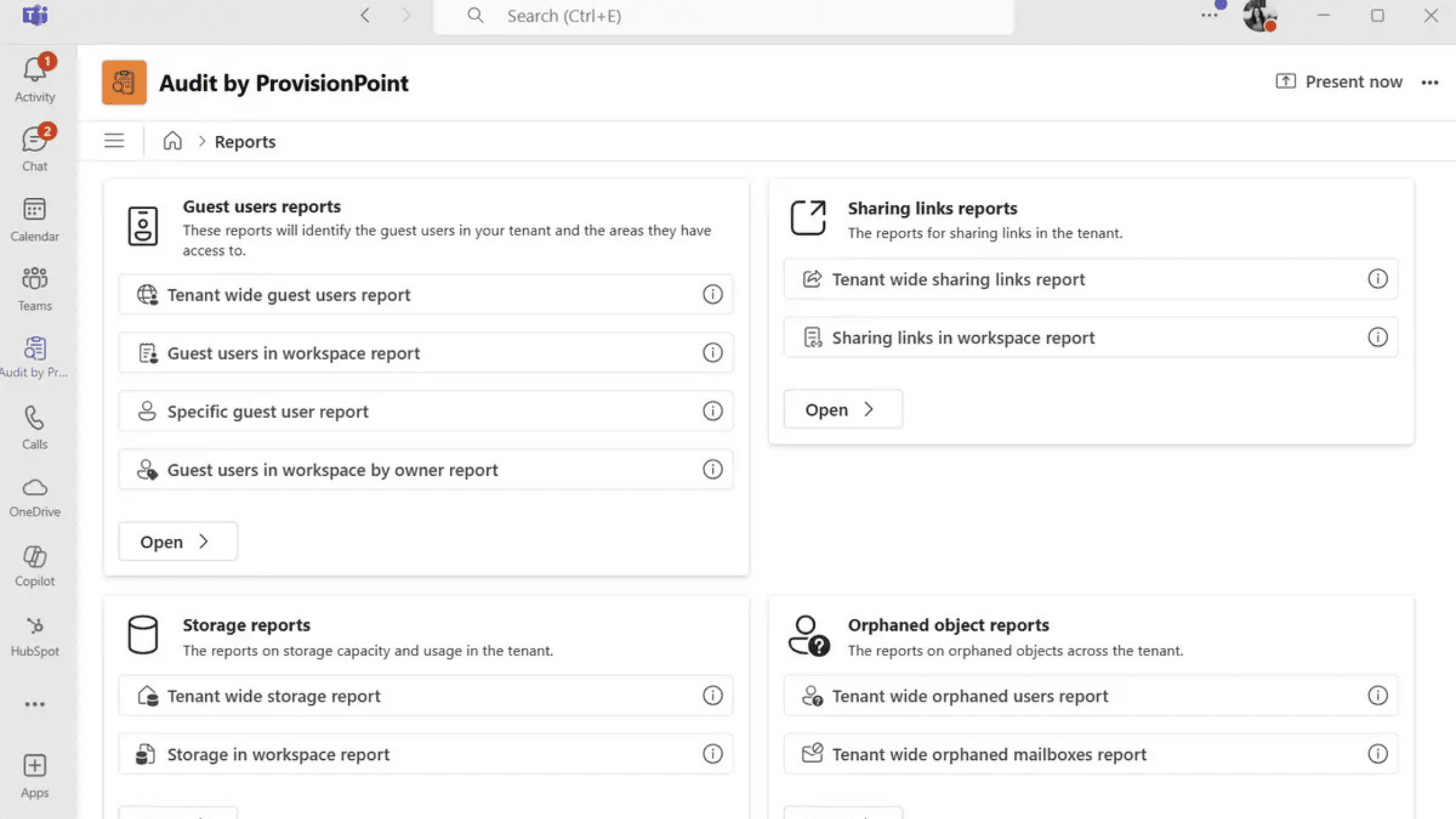
For IT leaders implementing OneDrive governance, these reports enable a proactive rather than reactive approach. Instead of waiting for users to hit quota limits and submit help desk tickets, you can monitor usage trends and intervene early. You can identify departments or user groups that consistently consume more storage and adjust quotas or policies accordingly, rather than applying one-size-fits-all limits. During compliance audits, you can demonstrate that you have visibility into and control over user storage, including the ability to identify potential data governance violations like sensitive files stored in personal drives.
About the Author
Peter Baddeley
Director, Sales and Client Solution